How to Buy Entries (NFTs)
- 1
Connect your wallet
- Install or open MetaMask, Coinbase Wallet, or any supported Web3 wallet.
- Approve connection to Windfall.
- Your wallet will store your purchased NFT entries.
- 2
Choose a Sweepstake
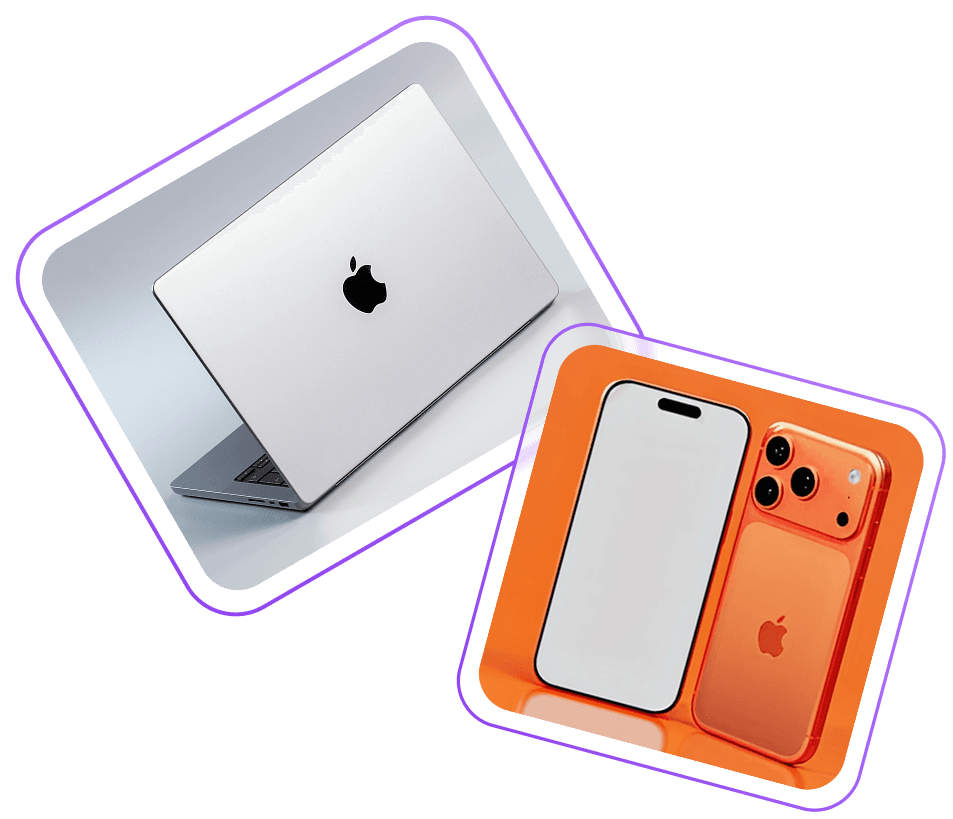
- Browse the active prizes (cars, tech, real estate).
- Open a sweepstake to see details: prize info, timer, entry price, number of entries sold.
- 3
Buy an Entry (NFT)
- Select how many entries you want to purchase.
- Pay using USDT or USDC.
- Each entry is minted as an NFT directly to your wallet — verifiable on-chain.
- 4
Wait for the Draw
- When the timer ends, a smart contract randomly selects a winner.
- You can view your NFT entries anytime in My Profile.
- If your wallet matches the winning NFT ID, you’ll see a Claim Prize button.
Buy your entries now and make fortune real
Join the next Windfall draw and compete for real-world assets — homes, cars, and more.
Every entry is minted on-chain, every result is provably fair.